
Bin your paper business forms. For good.
Create branded, highly visual and interactive browser-based forms for your business or project.
Collect information from people via their desktop, laptop, smartphone or tablet and remove slow, costly and unreliable paper from your business processes.
Help your admin staff save time, your business money and simplify the process for people sending information to you.
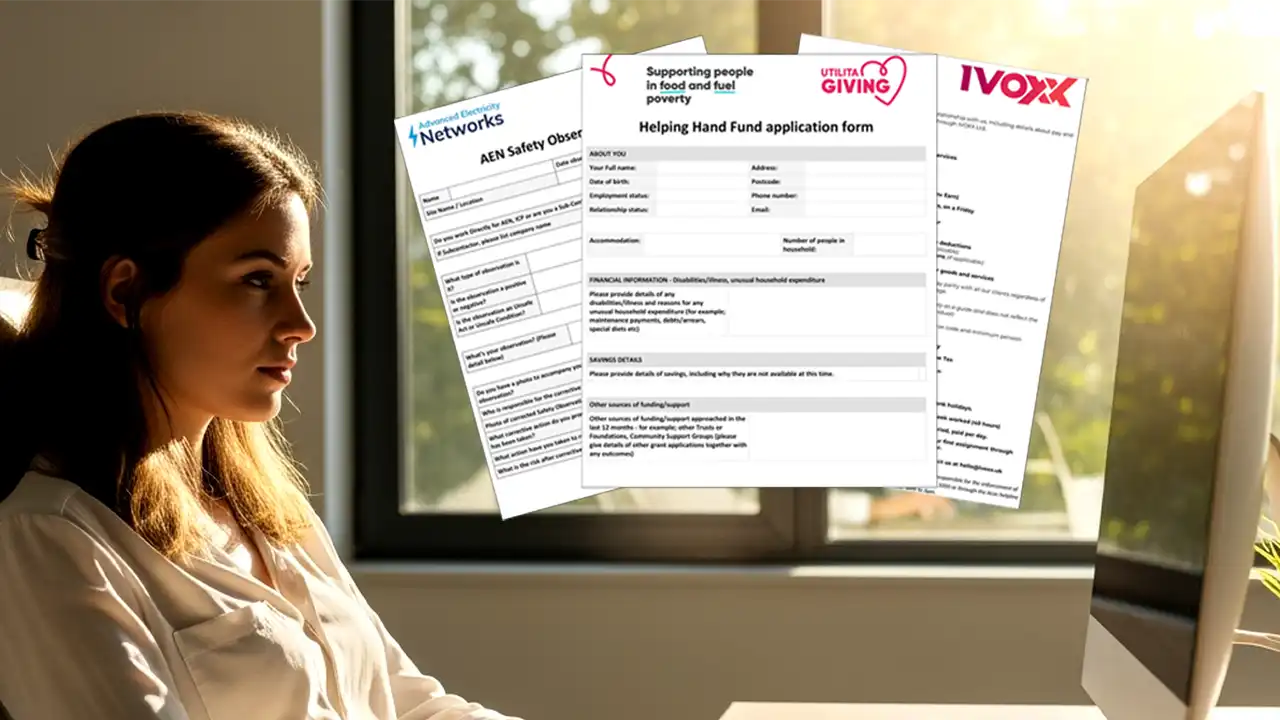
Simplify Your Operations with Secure, Customisable Online Forms
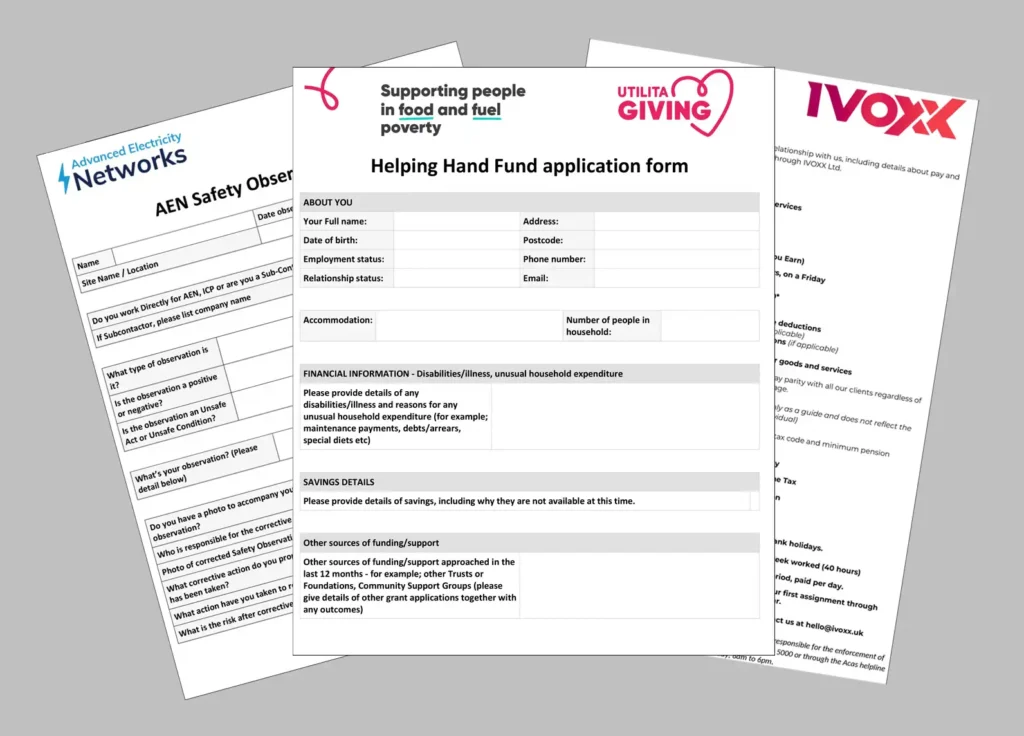
Just some of our Online forms users…






Features
What’s included in the Plan options?
With all the features required to help your business become paperless and super efficient in no time at all, our Online Forms Plans offer:
> Range of price Plans & options for different needs
> Self build forms using drag & drop
> Optional form building service
> Customisable output layouts
> Integrations & connectors
> Set-up, configuration & training
> UK hosted, supported and fully GDPR compliant
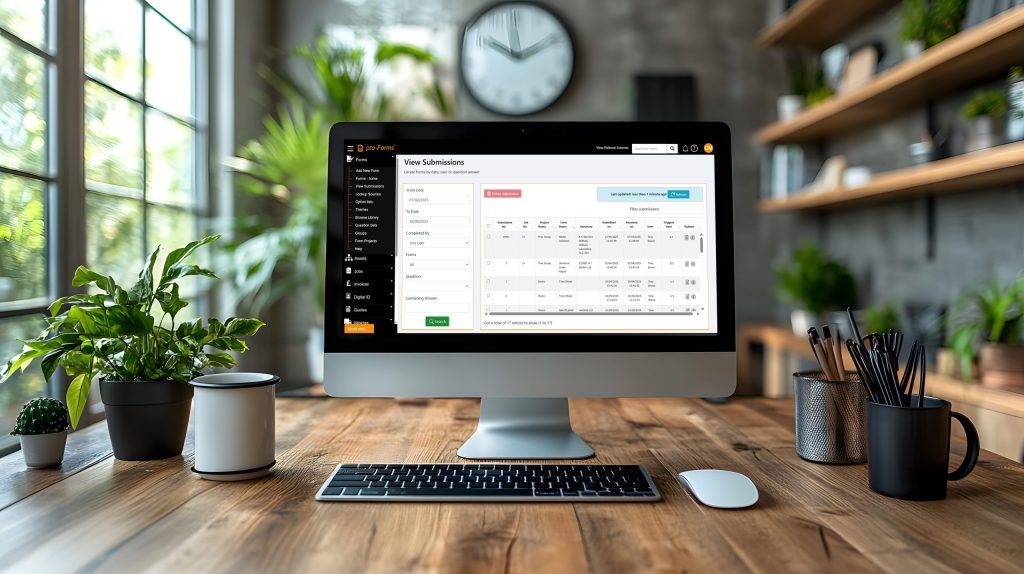
Simplifying your data collection processes
Most businesses know what data and information is needed to be collected from customers, suppliers and remotely located staff – the main problem is how to do it cost effectively, securely and with consistency.
This where our Online Forms Plan comes into a class of it’s own by giving your business all the tools to be self-sufficient and in control of the whole form building and data collection process.
The smart way to collect information in a paperless environment
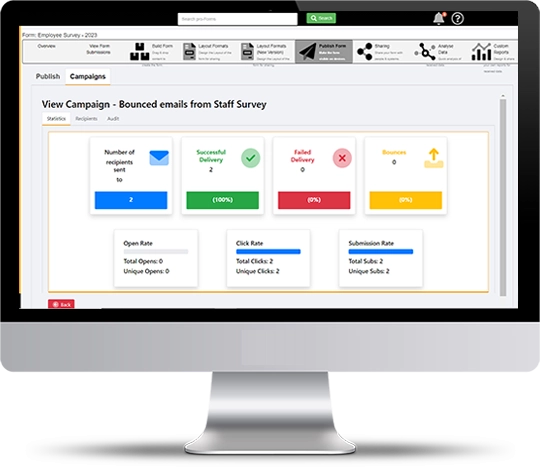
With secure UK cloud based hosting and support – our forms are easy to create either by hand or using our new AI form building engine. The system offers numerous ways of making forms available to your target audience including unique link, QR code, mass distribution campaign tool, website iFrame and social media posts.
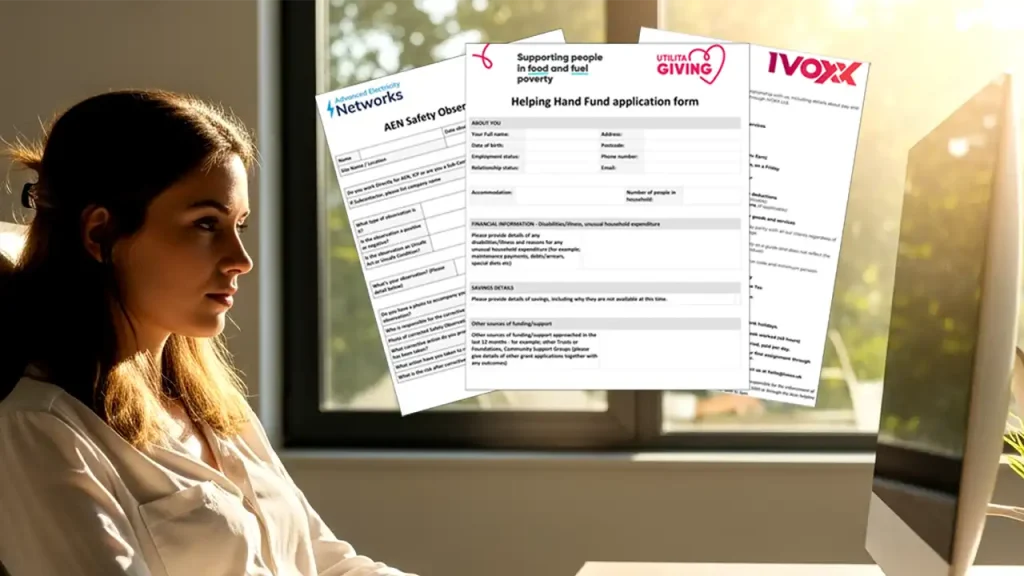
Online forms provide unlimited possibilities for businesses to collect information more efficiently than sending out forms in paper, PDF, Word and spreadsheet formats.
Typical Users
Our typical Online Forms users are from:
> General business administration
> Public sector bodies
> Recruitment
> Education & academia
> Social services organisations
> Healthcare
> Charitable bodies





Your Online Forms questions answered.
These are most common questions we get asked about Online forms. Please have a read – especially as to what the difference is between Online and Mobile forms.
What is the difference between Online & Mobile forms?
Mobile forms use the pro-Forms® Mobile App and require each user completing the forms to have their own system login. Mobile forms are usually used by a company’s own field staff.
Online forms are typically sent to people to complete that will not have the pro-Forms® mobile app and are not members of staff. A good example may be to a Customer when you are asking for feedback at the end of job.
Are the forms and my data secure?
Yes.
Our servers are hosted in highly secure, UK data centres and your data never leaves the UK – not even our backups.
The system databases are encrypted and you also have the option of field level encryption on your forms.
We use 256-bit encryption to protect data as it is from a user’s browser to our servers,
Our system is GDPR compliant and developed and supported in the UK.
How do people access an Online form?
Online forms are sent to people to open and fill in via either a unique form link or via a QR code for them to scan which then opens the form.
The person opening the link must have an Internet connection for the form to load.
What technology does an Online form require to open?
To open the unique form link a person would require a browser (e.g. Chrome, Firefox, Safari) and an internet connection. This could be on a PC, laptop, phone or tablet.
To scan a QR code to open the form then a smartphone or tablet with a camera (enabled to read QR codes), Internet connection and a browser. This is typically how a standard smartphone or tablet is configured.
How can form links and QR codes to made available for people to open a form?
Form links can be sent by email, placed on websites or sent by social media. The form could even be embedded in a website using the iframe code we provide.
QR codes likewise could be emailed, put on a website or printed onto physical media such as paper or sticky labels and fixed to an object.
What are typical uses of Online forms?
Typically, Online forms are used by office admin teams to collect form responses from people outside of the their business. Form links can be sent to any number of people from a handful to thousands. Uses include:
– Customer satisfaction surveys
– School parent information
– Job applications
– Staff on-boarding information
– Patient medical requests
– Social work service user support requests
– Website feedback forms
– Customer requests for product support
Do you know who has submitted a form?
Unless you add a question to the form asking who is filling it, then NO you don’t as standard know who submitted it.
Can forms be saved whilst filling in for sending later?
Yes.
Forms have a Save button so they can be saved partially completed for opening at a later date. A unique link to the saved form is emailed to the person completing it so they can retrieve their form later on.
Can forms be branded for my company?
Yes.
Branding, contact details, logos etc. can be added to both the on-screen look of the form for the person filling it in and also on any PDF or Word document auto created and emailed back to you once the form is submitted.