
Your Form questions answered.
Lorem ipsum is placeholder text commonly used in the graphic, print, and publishing industries for previewing layouts and visual mockups.
What is the difference between Online & Mobile forms?
Mobile forms use the pro-Forms® Mobile App and require each user completing the forms to have their own system login. Mobile forms are usually used by a company’s own field staff.
Online forms are typically sent to people to complete that will not have the pro-Forms® mobile app and are not members of staff. A good example may be to a Customer when you are asking for feedback at the end of job..
Are the forms and my data secure?
Yes.
Our servers are hosted in highly secure, UK data centres and your data never leaves the UK – not even our backups.
The system databases are encrypted and you also have the option of field level encryption on your forms.
We use 256-bit encryption to protect data as it is from a user’s browser to our servers,
Our system is GDPR compliant and developed and supported in the UK.
How do people access an Online form?
Online forms are sent to people to open and fill in via either a unique form link or via a QR code for them to scan which then opens the form.
The person opening the link must have an Internet connection for the form to load.
What technologies are required for Mobile Forms?
The mobile app is available for both Android and iOS devices and can be downloaded from both Google Play and the Apple Play Store. The only other thing mobile users require is an Internet connection.
We recommend mobile devices have QR code reading enabled on the camera and the device has location services turned on for the capture of GPS locations.
Office admin users require an internet connection and standard browser such as Chrome, Firefox or Safari..
Can company branding and existing form layouts be matched?
Yes.
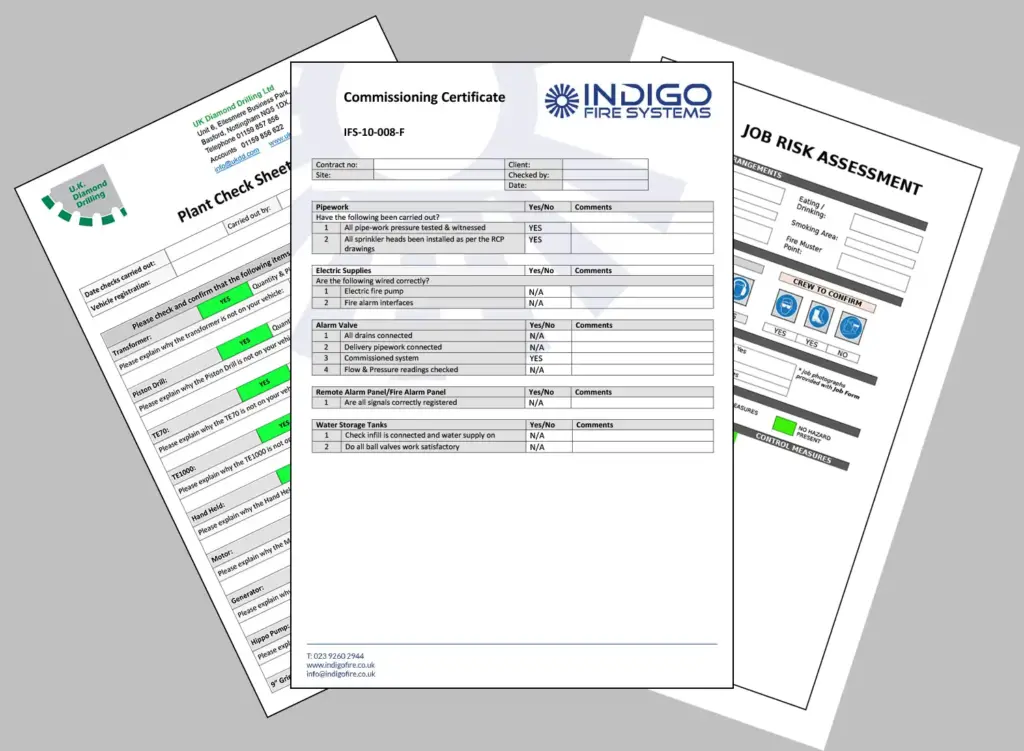
All form layouts for both Online and Mobile forms (the document that is generated after a field user submits a form from the app) can be built to incorporate company logos, colour schemes, accreditation and contact details,
We can usually match existing layouts for familiarity, continuity and accreditation compliance.
Can Mobile & Online Forms manage complex processes and situations?
Yes.
Forms can be built with skip logic, question visibility dependencies and calculations to make even the most complex on-site situations seamless for the user completing the form.
What types of question can be used on forms?
A comprehensive range of question types can be added to a mobile form including :
– formatted text : single & multi-line, decimal, integer etc
– images
– signatures
– document upload (Online forms)
– GPS location
– multi-select : radio buttons, checkboxes, dropdown lists
– QR code & NFC tag reading
– Date & time
– text labels