
All your company forms.
In your pocket.
Using our Mobile Forms Plan introduces game changing business and field service forms of any kind no matter what industry you work in.
All from the mobile device in your pocket.
Whether you need an engineers Service Report, a surveyor’s Inspection Report or construction operatives’ Toolbox Talk record – no problem.
Providing instant impact, digital forms help you ditch the frustration of your paper-based activities and benefit from transferring field data to your office staff and systems in minutes thanks to our leading integrations and software connectors.
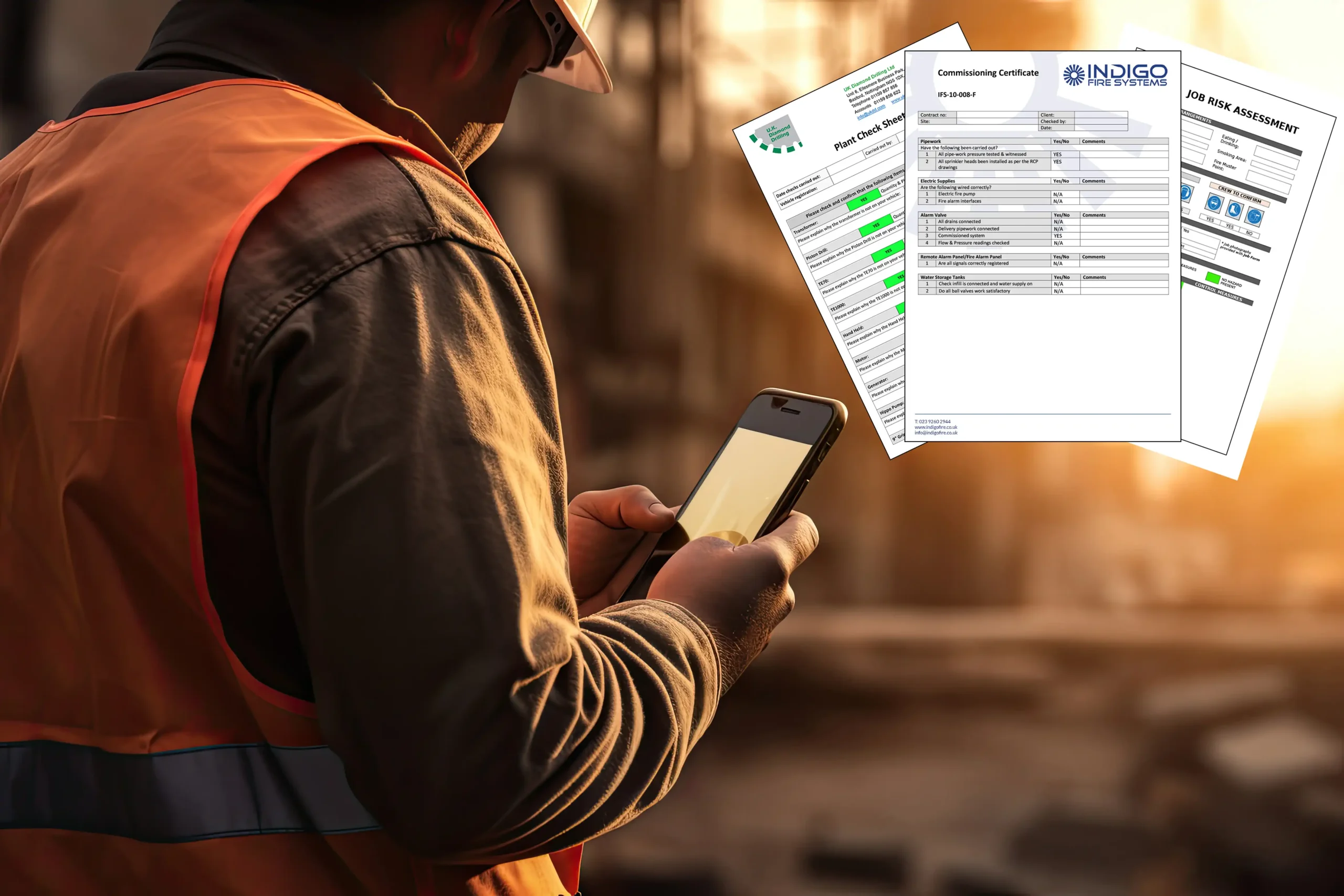
Start your journey to paperless field work with mobile forms
Just some of our mobile form users…










Features
What’s included in the Plan?
With all the features required to help your business become paperless and super efficient in no time at all, our Mobile Forms Plan offers:
> Unlimited admin users
> 30-day rolling License for mobile app users
> Create unlimited number of forms
> Send & receive unlimited number of forms
> Self build forms using drag & drop
> Optional form building service
> Integrations & connectors
> Help & support
> UK hosted, supported & fully GDPR compliant

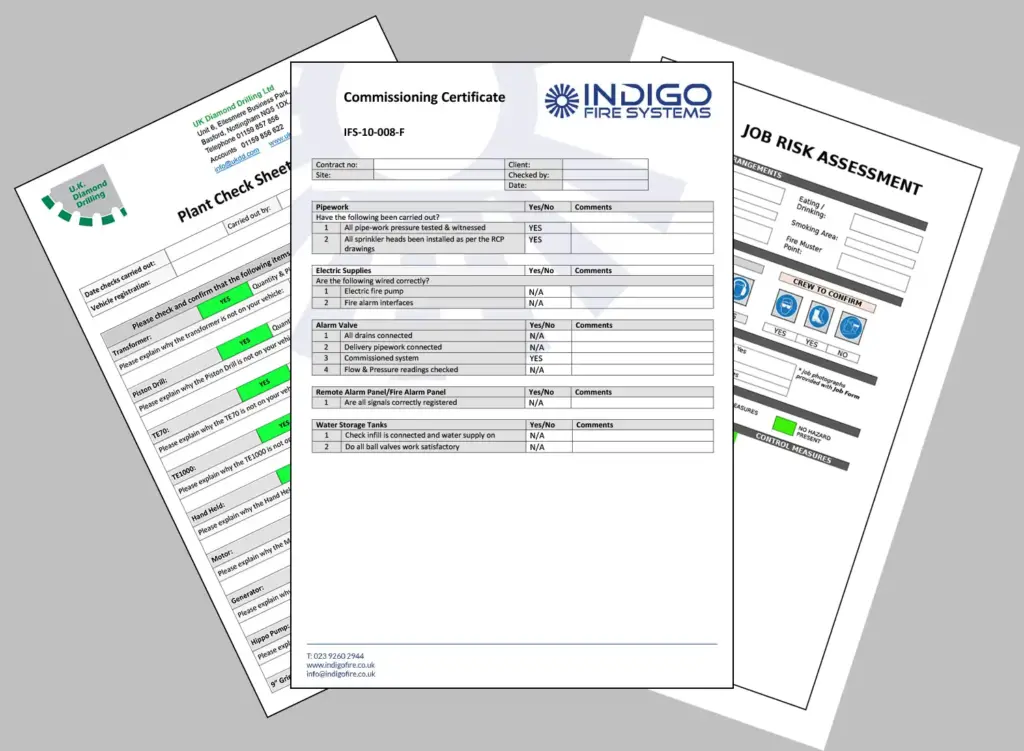
Take your field service activities paperless
Building reusable form templates containing form field types including check boxes, drop down fields, radio buttons and calculations as standard means you can respond quickly to the demands of your customers and at the same time streamline your business processes.
We have solutions for the very simplest of situations to the most complex and demanding.
With branded customisable layouts in either Word or PDF formats, forms can be automatically sent by email, uploaded to OneDrive, Google Drive, Dropbox or Sharepoint or sent by FTP in csv/ XML or JSON to other systems.
Typical Users
Our typical Mobile Form users are from:
> Construction
> Property maintenance
> Building services / fire & security / air conditioning
> Specialist machinery & equipment maintenance
> Materials equipment handling (MEH)
> Facilities management







Your Mobile Form
questions answered.
These are most common questions we get asked about Online forms. Please have a read – especially as to what the difference is between Online and Mobile forms.
What is the difference between Online & Mobile forms?
Mobile forms use the pro-Forms® Mobile App and require each user completing the forms to have their own system login. Mobile forms are usually used by a company’s own field staff.
Online forms are typically sent to people to complete that will not have the pro-Forms® mobile app and are not members of staff. A good example may be to a Customer when you are asking for feedback at the end of job.
Are the forms and my data secure?
Yes.
Our servers are hosted in highly secure, UK data centres and your data never leaves the UK – not even our backups.
The system databases are encrypted and you also have the option of field level encryption on your forms.
We use 256-bit encryption as users login to the browser-based admin Work Group and Two Factor Authentication is an option for all admin user accounts,
The pro-Forms® mobile app uses AES 128-bit encryption as standard. Where a Customer specifies the movement of data via FTP a standard option of SFTP (secure FTP) is available.
Our system is GDPR compliant and developed and supported in the UK.
What technologies are required?
The mobile app is available for both Android and iOS devices and can be downloaded from both Google Play and the Apple Play Store. The only other thing mobile users require is an Internet connection.
We recommend mobile devices have QR code reading enabled on the camera and the device has location services turned on for the capture of GPS locations.
Office admin users require an internet connection and standard browser such as Chrome, Firefox or Safari.
What happens if a mobile user has no internet connection?
The mobile app incorporates a queuing mechanism so a user can follow their usual form completion and submission process as normal. If no or low strength internet connection is available, the queuing mechanism will silently wait to send the form once a sufficient connection is re-established.
Can forms be saved to the device for later completion and submission?
Yes.
Users can opt to manually save a form to their device. A saved form will not be visible however on a different device if the user logs in with their credentials.
The system will also automatically attempt to save forms to our cloud based solution (this is internet connection dependent) so that should a mobile device be lost the data entered on to the form will still be retrievable.
Can a user share their account with another user?
No.
This is specifically prohibited by our Terms and Conditions.
Each user must have their owe unique user account in the system using an email address as their username.
What types of question can be used on a mobile form?
A comprehensive range of question types can be added to a mobile form including :
– formatted text : single & multi-line, decimal, integer etc
– images
– signatures
– GPS location
– multi-select : radio buttons, checkboxes, dropdown lists
– QR code & NFC tag reading
– Date & time
– text labels
Can forms manage complex processes and situations?
Yes.
Forms can be built with skip logic, question visibility dependencies and calculations to make even the most complex on-site situations seamless for the user completing the form.
Can company branding and existing form layouts be matched?
Yes.
All form layouts (the document that is generated after a field user submits a form from the app) can be built to incorporate company logos, colour schemes, accreditation and contact details,
We can usually match existing layouts for familiarity, continuity and accreditation compliance.