Restoring Calm and Control to Your Field Service Activities
WORK MANAGER is used by companies that carry out both planned and reactive type work and catering for one-off, multi-day and recurring visits by individuals or teams in these sectors:
> Installation
> Repair & Maintenance
> Construction Supply Chain
> Facilities Management
With all the features required to keep control of your field service activities from quoting, to work planning and through to invoicing, WORK MANAGER has it covered.

Field service management companies trust WORK MANAGER to deliver savings,
improve efficiency and communication – every single day
Just some of our field service management users…









Features
What’s included in the Plan?
With all the features required to plan, issue, track & price jobs throughout each step of the process WORK MANAGER has it covered.
> Android and iOS app versions
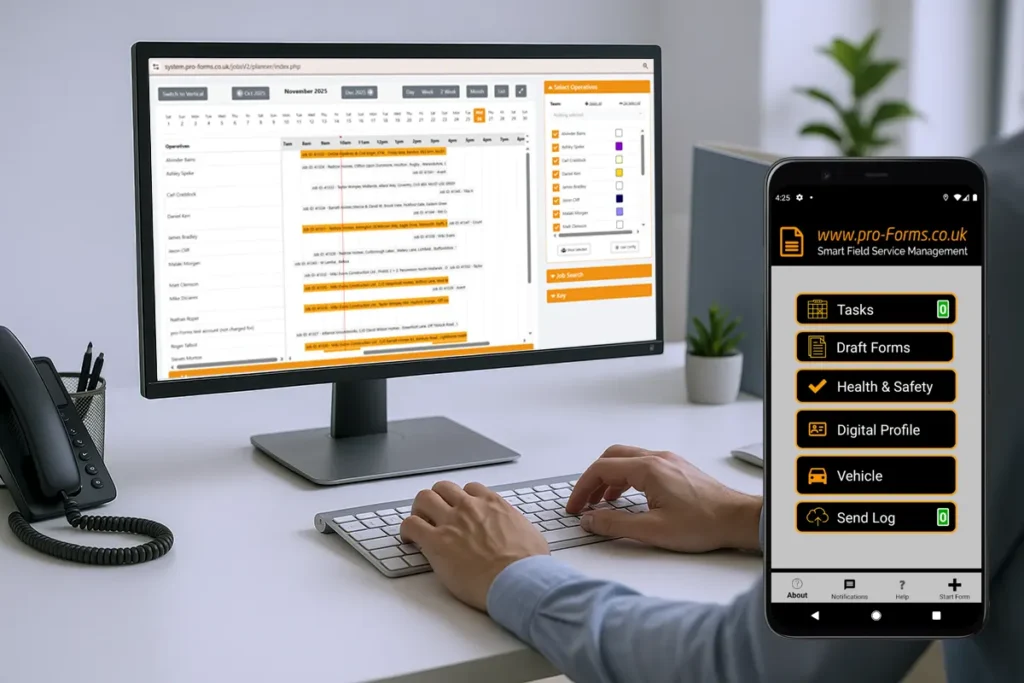
> Job scheduling, visual planner, location mapping
> Customers sites, Portal and Journal
> Vehicle management, mileage & checks
> Quote management
> Job Costing/Pricing
> Inventory & parts management
> Unlimited mobile forms
> Integrations & connectors
> Set-up, configuration & training
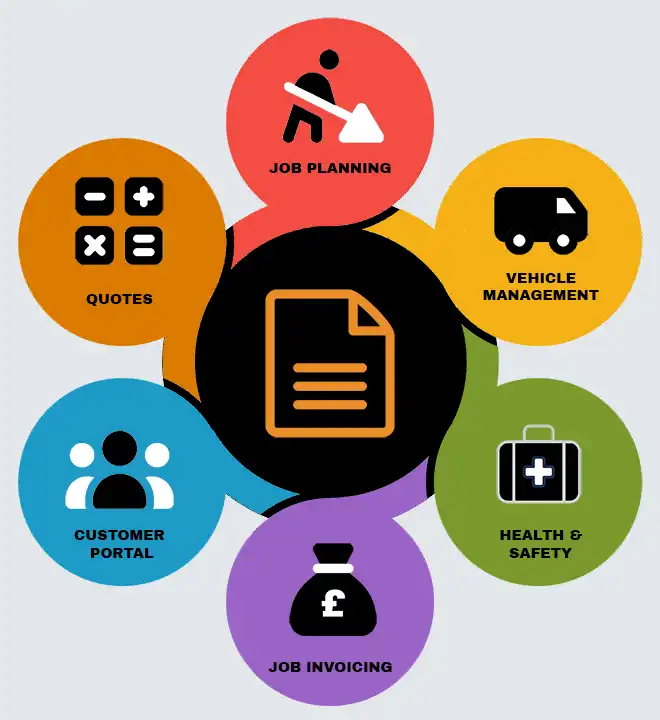
System Features in more detail
Job Planning & scheduling
- Visual Job Planner – day, week, month.
- Real-time job status updates.
- Set default forms for job types.
- Send customer reminders & operative digital profiles.
- Full job & visit history.
- Auto-populate job forms with job details.
- Bulk import jobs.
- Assign jobs to individuals or groups.
- Set recurring jobs.
- Assign priority codes.
- Full reporting with filters.
- Attach files to jobs to view on mobile app.
- Assign assets to jobs.
- Block out time for planned events.
- Location mapping.
Health & Safety Management
- Visual dashboard of key information.
- Create dynamic Risk Assessments.
- Create Risk Assessment templates for re-use.
- Create a library of hazards & control measures.
- Create COSHH Assessments.
- Add/ maintain Suppliers database.
- Comprehensive Accident logging.
- RIDDOR, injured party, day/ time/ body part reporting.
- Incident logging.
- Near miss logging.
- Add/ maintain Substances database.
- Maintain Substances Statements & required PPE.
Quotes & Inventory
- Raise Quotes & convert to jobs.
- Duplicate Quotes to save time.
- Email Quote directly to Customer.
- Set Quote expiry date.
- Set Customer reminders prior to expiry.
- Customer accept/ reject via online interface.
- Collect & analyse reject reasons.
- Add item lines directly from stored Inventory.
- Make Quote fields hidden/ visible.
- Customise & brand Quote email layout.
Job Costing & Invoicing
- Send draft invoices to Xero, Quickbooks or Sage accounting.
- Price visits, multi-visit jobs or consolidated jobs levels.
- Pre-set default pricing for job types.
- Create priced Work Items at individual Customer and site level.
- Full audit trail of changes made.
Mobile app
- Android & iOS versions available.
- Works on and offline.
- Save forms as ‘drafts’ prior to sending.
- Send Log summarises all traffic leaving the device.
- Includes geo-tagging & photos with annotation.
- Collect on-screen signatures.
- Configure job visibilty dration for mobiles.
- Full job details & map route displayed.
- Real-time job status updates.
- Retrieve previously submitted forms.
- Signal strength indicator.
- Encrypted data transmission between device & servers.
User Management
- Account types to separate office staff from field workers.
- Add individuals to ‘user groups’.
- Grant access to mobile forms by user group.
- Configure user working hours for job scheduling.
- Assign individuals to ‘teams’ for scheduling.
- Limit user access to reports.
- Set access permissions to features by user group.
- Bulk import users.
- Track user logins by date/device/app version.
- Collect & map user mobile locations.
- Archive users for reinstatement later.
- Set 2FA for admin user logins.
- Add & maintain user training & competencies records.
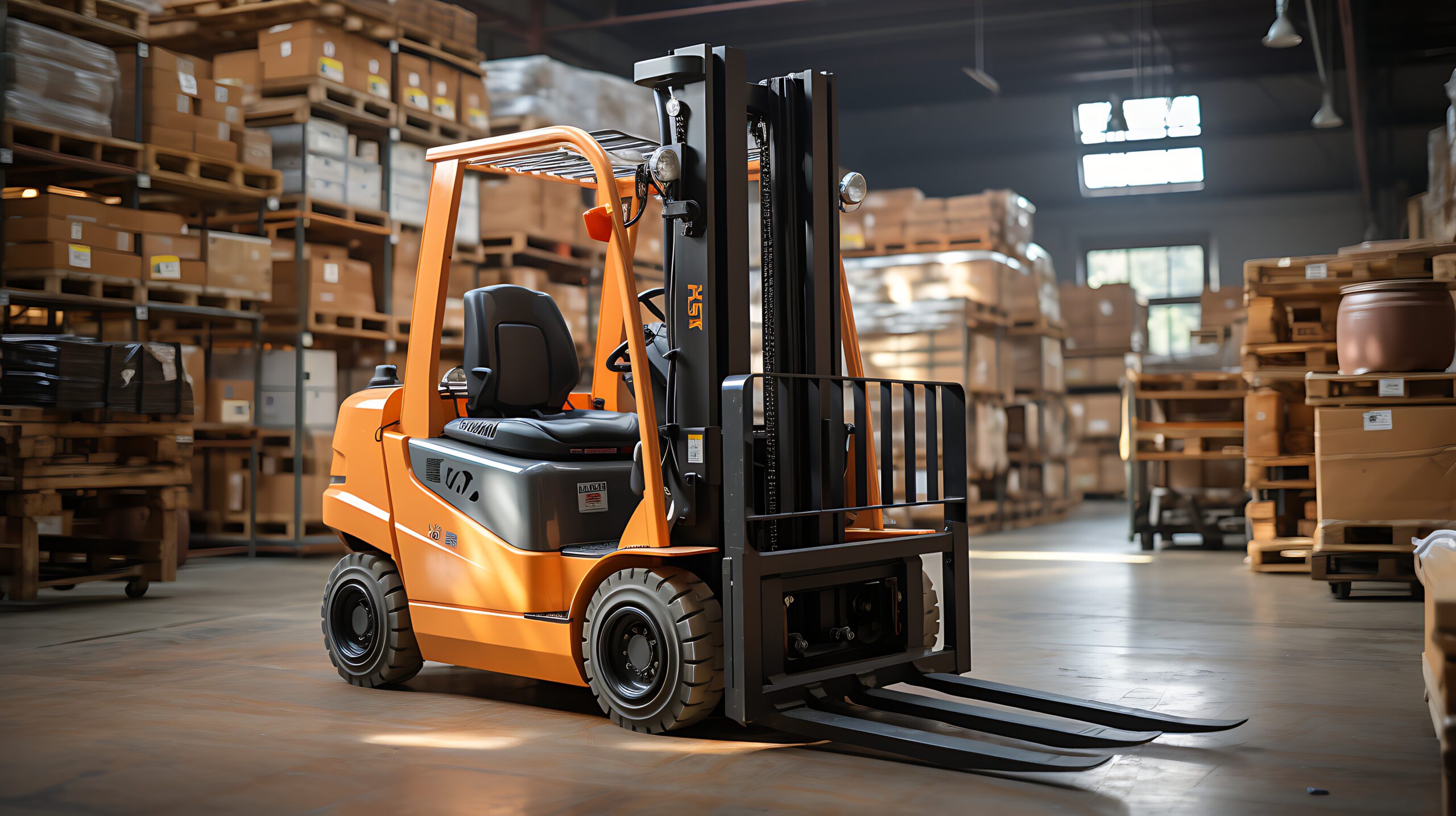







Typical WORK MANAGER Users
> Materials handling/ powered access equipment
> General service & maintenance
> Building maintenance companies
> Machinery/ equipment manufacturers
> Fire & Security and HVAC installation & maintenance
> Operated hire road sweeping
> Facilities managers
Keeping your field team running smoothly & efficiently
WORK MANAGER will help your business to run a more efficient and effective team by centralising job scheduling, automating workflows, and improving real‑time communication across your workforce.
With features like intelligent dispatching, mobile job management, asset tracking, and digital forms, your field service team can complete tasks faster, reduce downtime, and minimise errors.
Managers will gain full visibility into workloads and performance, enabling smarter resource allocation and improved customer response times. By streamlining operations and eliminating manual processes, WORK MANAGER will enhance productivity, boost customer satisfaction, and supports long‑term business growth.

Your Field Service Management questions answered.
Lorem ipsum is placeholder text commonly used in the graphic, print, and publishing industries for previewing layouts and visual mockups.
Who uses WORK MANAGER?
Companies with field based operatives carrying out:
– installation
– repair & maintenance
– commissioning
– Facilities Management
– construction supply chain activities
The system caters for planned and reactive type work and caters for one-off, multi-day and recurring visits by individuals or teams.
What are the License Terms?
The system is Licensed on a rolling 30-day basis, with companies buying a License per system user.
Terms are flexible so that companies can add/remove the number of Licenses required every 30 day period so payment always matches the needs of the business.
A License is needed for each system user – both office admin staff and field based operatives.
There is NO lock-in period beyond the 30 day period.
Where is my data stored?
Our servers are hosted in highly secure, UK data centres and your data never leaves the UK – not even our backups.
The system databases are encrypted and you also have the option of field level encryption on your forms.
We use 256-bit encryption as users login to the browser-based admin Work Group and Two Factor Authentication is an option for all admin user accounts,
The pro-Forms® mobile app uses AES 128-bit encryption as standard. Where a Customer specifies the movement of data via FTP a standard option of SFTP (secure FTP) is available.
Can I import my existing Customer and job information?
Yes.
There are import routines to import data from csv/ xlsx files. This is especially useful where you want to move from an existing field service solution to pro-Forms®
Also, if you connect WORK MANGER to a Xero or Quickbooks account, customers, sites and accounting information can automatically be populated into your WORK MANAGER account.
Can I Quote for work and then invoice when the job is complete?
Yes.
There is a dedicated Quoting Module included in the Plan which lets you issue a time limited quote to Customers including automatically sending a reminder of the deadline.
Priced work items can be saved for quickly building up quotes and invoices based on customer and specific site rates.
Draft invoices produced in WORK MANAGER can be pushed to Xero/Quickbooks automatically via their APIs.
For Sage50 users, a csv file of draft invoices can be exported from WORK MANAGER for import into Sage.
Invoicing can be done for individual visits, jobs (a group of visits) and multiple jobs (consolidated job invoicing).
I do recurring work for Customers, will the system cover this?
Yes.
Comprehensive rules can be applied to automatically raise recurring jobs based on the time periods and frequencies required.
All that is required is to check that the field operative automatically allocated is still available to attend the recurring appointments.
Is it easy to reallocate jobs between field staff?
Yes.
Work can be reallocated by office admin staff either by drag and drop or by manually changing the details e.g. date, time, operative etc.
Once the details are changed and saved, the updates will be automatically shown on mobile app of the relevant field staff. This reduces the admin burden on office staff to interrupt site staff by phone call, text, email etc.
.